
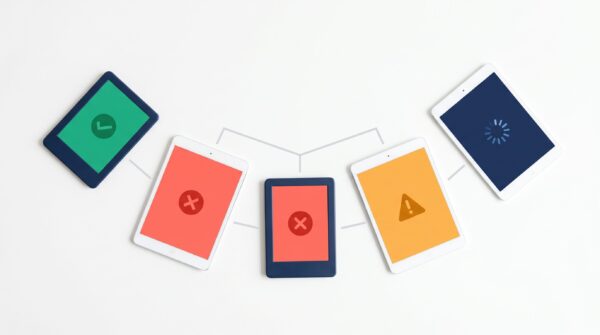
Why Your EPUB Passes Kindle but Fails on Apple Books or Google Play
Amazon KDP converts your EPUB and ignores structural errors, but Apple Books and Google Play enforce strict EPUBCheck compliance. Here is why the same...
Read more
Should You Use Section Breaks or Page Breaks in Your Ebook?
Use page breaks and Heading 1 styles for ebook formatting. Section breaks are print-only features that cause blank screens and broken chapters in EPUB...
Read more
Does Your Self-Published Ebook Need a Table of Contents?
Every self-published ebook needs two types of table of contents: a logical TOC for device navigation and an inline HTML TOC for readers. Here...
Read more
What Happens to Your EPUB When Amazon Converts It to Kindle?
When you upload an EPUB to KDP, Amazon converts it to KFX for delivery to Kindle devices. Here is what changes during that conversion...
Read more
How to Preview Your Ebook on Different Devices Before Publishing
Free tools and a practical workflow for testing how your ebook renders on Kindle, Kobo, Apple Books, phones, and tablets before you hit publish.
Read more
Why Your Ebook Looks Wrong After Converting from PDF to EPUB
PDF to EPUB conversion breaks your ebook because these formats use fundamentally different layout models, and the correct fix is to create your EPUB...
Read more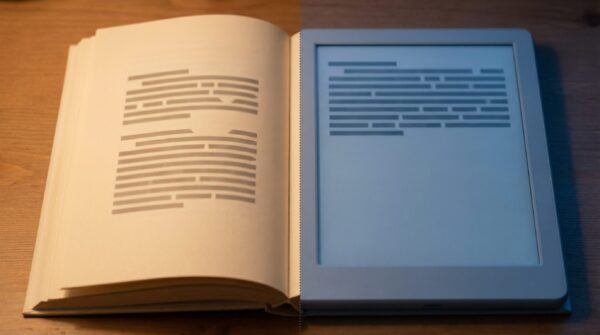
Why Your Ebook Title Page Doesn’t Match Your Word Formatting
Reflowable EPUBs ignore Word page-level settings like vertical centering because they use HTML and CSS instead of fixed pages.
Read more
What Happens to Your Fonts When Converting Word to EPUB?
When you convert Word to EPUB, your fonts almost never survive. Learn why Kindle strips body text fonts, how font licensing works, and which...
Read more
How to Validate Your EPUB File Before Uploading to a Retailer
Learn how to validate your EPUB file using EPUBCheck, Sigil, Calibre, and online validators before uploading to KDP, IngramSpark, or any other retailer.
Read more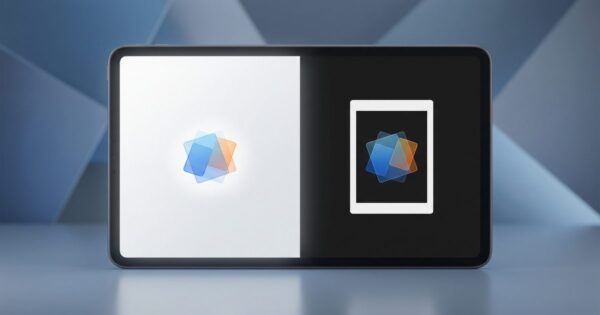
Why Transparent PNG Images Look Wrong in Dark Mode on E-Readers
Transparent PNG images break in ebook dark mode because e-readers fill alpha channels with black or white backgrounds — here is how each platform...
Read more
EPUB 2 vs. EPUB 3: What’s the Difference for Self-Published Authors?
EPUB 2 uses HTML 4.01 and CSS 2.1 while EPUB 3 uses HTML5 and CSS3, adding support for multimedia, accessibility, and fixed layouts —...
Read more
What Is an NCX File in an EPUB and Do You Still Need One?
An NCX file is a navigation control document in EPUB that maps your table of contents for e-readers. It was required in EPUB 2...
Read more