
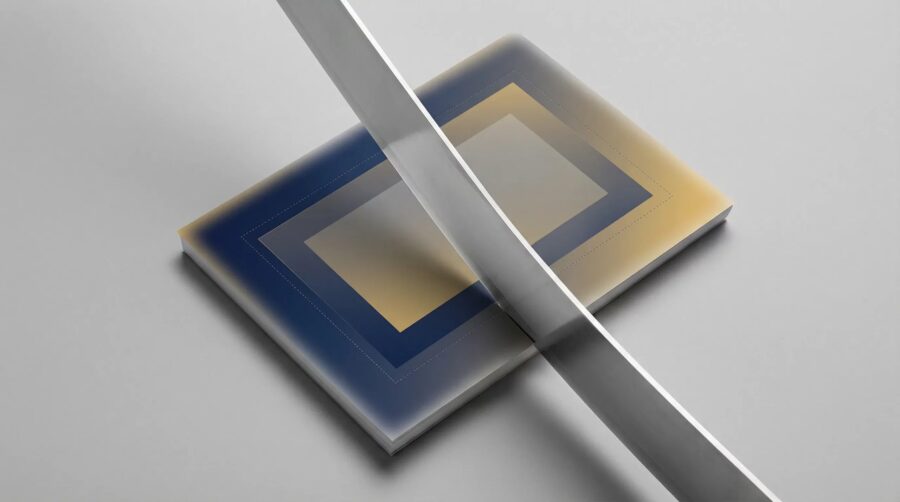
Bleed is the area of artwork on a book cover that extends beyond the trim line — the point where the printer cuts the paper. Every major print-on-demand platform, including Amazon KDP, IngramSpark, and Draft2Digital, requires 0.125 inches (3 mm) of bleed on all four sides of a paperback cover. Without it, slight variations in the cutting process leave visible white edges — called “flash” — on your finished book, and most platforms will reject cover files that lack proper bleed.
- What Is Bleed on a Book Cover?
- What Are the Three Zones on a Print Cover: Bleed, Trim, and Safe Zone?
- What Are the Standard Bleed Sizes for Paperback and Hardcover Books?
- What Bleed Does KDP, IngramSpark, and Draft2Digital Require?
- How Do You Set Up Bleed in Your Cover Design?
- What Bleed Mistakes Get Cover Files Rejected?
- Frequently Asked Questions
What Is Bleed on a Book Cover?
Bleed is the extra area of artwork that extends beyond the final trim size of your book cover. When a printer produces your book, it prints on oversized paper and then cuts it down to the finished dimensions. That cutting process has a tolerance of approximately ±1/16 inch (1.6 mm), meaning the blade may land slightly off the intended trim line.
If your cover artwork stops exactly at the trim line, even a tiny cutting shift will expose the unprinted paper underneath — creating a narrow white border that professionals call “flash.” Bleed prevents this by ensuring there is extra artwork beyond the cut line, so no matter where the blade lands within its tolerance range, the printed edge looks clean and intentional.
This is why bleed is mandatory, not optional. Every major print-on-demand platform requires it, and submitting a cover file without proper bleed is one of the most common reasons cover files are rejected during the review process.
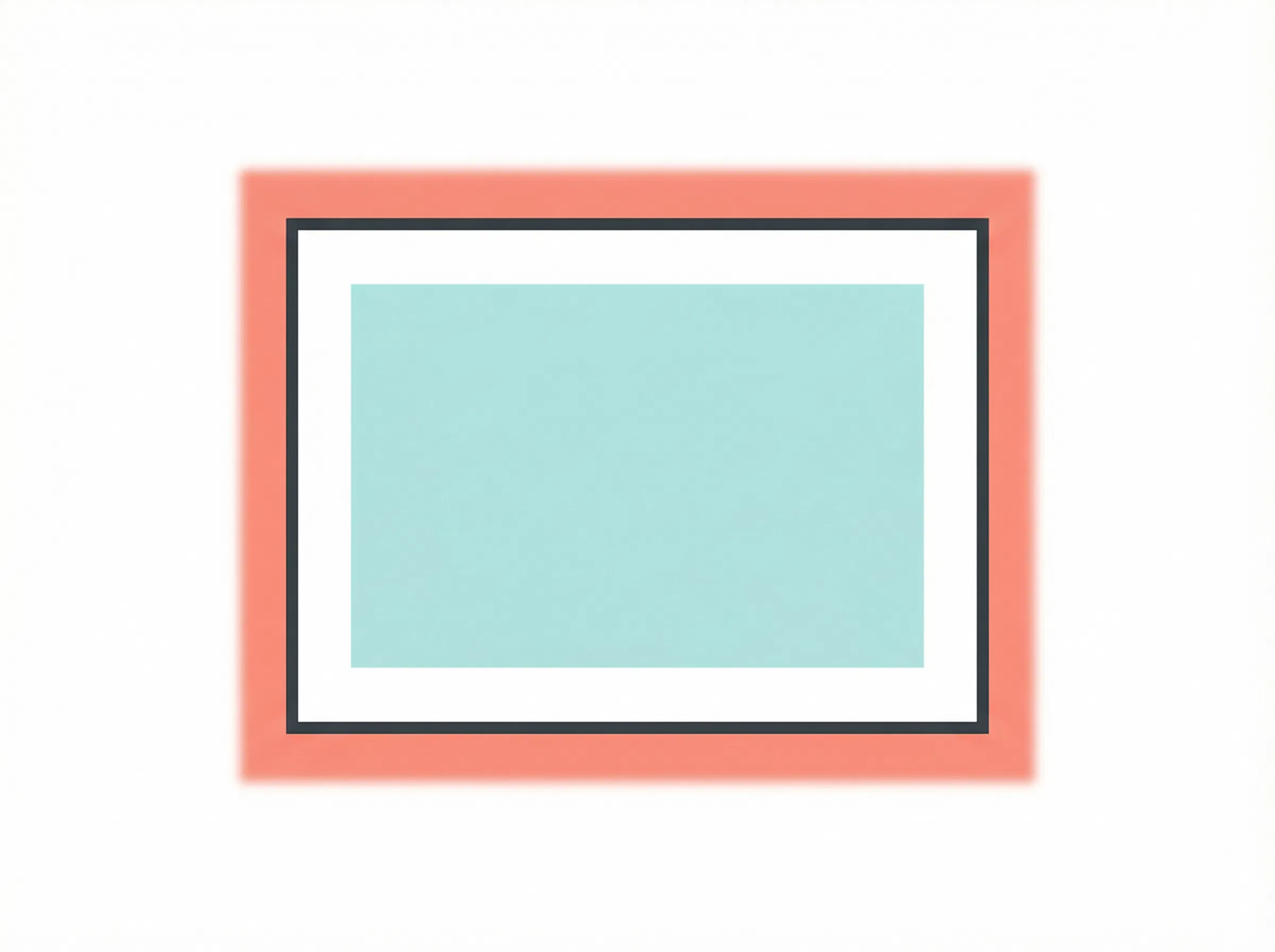
What Are the Three Zones on a Print Cover: Bleed, Trim, and Safe Zone?
A print-ready book cover has three distinct zones that every self-published author needs to understand. Getting these right is the difference between a professional-looking book and one that screams amateur.
The Bleed Area
The bleed area is the outermost zone, extending 0.125 inches (3 mm) beyond the trim line on all four sides for paperbacks. All background artwork, colors, and design elements that touch the edge must extend into this area. The bleed is trimmed off during production — it exists solely as a safety buffer.
The Trim Line
The trim line marks the exact point where the printer’s blade is intended to cut. This is the boundary that defines your book’s final dimensions. For a 6×9 inch book, the trim line creates the 6×9 inch rectangle. Everything outside the trim line gets cut away; everything inside is your finished cover.
The Safe Zone
The safe zone sits at least 0.25 inches (6 mm) inside the trim line. All critical elements — your title, author name, subtitle, and any essential text or imagery — must stay within this boundary. Because cutting is imprecise, anything placed between the trim line and the safe zone risks being partially clipped. Think of the safe zone as the only area where text is guaranteed to survive the production process intact.
What Are the Standard Bleed Sizes for Paperback and Hardcover Books?
The standard bleed for paperback and softcover books is 0.125 inches (3 mm) on all four sides. This measurement is consistent across Amazon KDP, IngramSpark, Draft2Digital, and BookBaby. It is the industry standard for perfect-bound and saddle-stitched books.
Hardcover books follow different rules depending on the binding type. Case laminate hardcovers — where the cover is printed and laminated directly onto board — require a significantly larger bleed of 0.625 inches (16 mm) on all four sides. This extra bleed accounts for the wrap that folds around the boards during binding. If you are producing a dust jacket for a hardcover, the bleed requirements differ again and depend on the specific printer.
If you have previously designed a cover for your book with the correct spine width, adding bleed simply means extending your artwork outward by the required amount on each edge.
What Bleed Does KDP, IngramSpark, and Draft2Digital Require?
All three major self-publishing platforms require 0.125 inches of bleed for standard paperback covers. The differences emerge in the details, particularly around hardcovers, margins, and file format expectations.
Amazon KDP
KDP requires 0.125 inches of bleed on all covers with no exceptions — it is mandatory even if your cover design has a plain white background. KDP’s minimum margin is 0.25 inches without bleed and 0.375 inches (9.6 mm) with bleed on the top, bottom, and outside edges. Cover files must be submitted as a single PDF. KDP provides a free cover calculator that generates a downloadable template with all dimensions pre-calculated, including bleed, spine width, and safe zones.
IngramSpark
IngramSpark requires 0.125 inches (3 mm) of bleed on all four sides for standard paperback covers. The exception is case laminate hardcovers, which require 0.625 inches (16 mm) of bleed to allow for the board wrap. IngramSpark also provides a cover template generator that calculates all dimensions automatically based on your trim size, page count, and paper type.
Draft2Digital
Draft2Digital follows the same 0.125-inch industry standard for paperback bleed. Their print service (D2D Print) requires cover files as PDF with all fonts embedded. Like KDP and IngramSpark, they provide tools to help calculate the correct dimensions for your specific book.
How Do You Set Up Bleed in Your Cover Design?
The most reliable approach is to start with a platform-provided template. Both KDP and IngramSpark offer free cover calculators that generate a PDF template with all dimensions — including bleed, spine, and safe zones — pre-marked based on your book’s trim size, page count, and paper type.
If you are building a cover from scratch, calculate the full document dimensions using this formula:
- Total width = (2 × trim width) + spine width + (2 × bleed)
- Total height = trim height + (2 × bleed)
For a standard 6×9 inch paperback with a 0.5-inch spine and 0.125-inch bleed, the total cover dimensions would be 12.75 inches wide (6 + 6 + 0.5 + 0.125 + 0.125) by 9.25 inches tall (9 + 0.125 + 0.125).
Regardless of your design tool — Adobe InDesign, Photoshop, Illustrator, or Canva — ensure your document is set to 300 PPI resolution and uses CMYK color space rather than RGB. RGB colors can shift noticeably when converted to CMYK at print time. Extend all background artwork, images, and colors to the very edge of the bleed boundary, and keep all critical text and design elements within the safe zone.
What Bleed Mistakes Get Cover Files Rejected?
Missing or incorrect bleed is one of the top reasons print-on-demand platforms reject cover files. Here are the most frequent errors indie authors make:
- No bleed when artwork touches the edge. If any part of your design — a background color, an image, a decorative border — reaches the trim line, it must extend into the bleed area. A design with a plain white background and centered text may technically work without bleed, but platforms still prefer bleed-ready files.
- Text too close to the trim line. Titles, author names, and other critical text must sit within the safe zone (at least 0.25 inches inside the trim line). Text placed between the trim line and safe zone risks being partially cut off.
- Spine misalignment. If your spine text or design elements are not correctly centered on the calculated spine area, the back cover and front cover will appear shifted on the printed book. Always use a platform template to position the spine accurately.
- Low resolution. Cover files must be at least 300 PPI. Images pulled from the web are typically 72 PPI and will appear blurry and pixelated in print.
- Wrong color space. Designing in RGB instead of CMYK can cause significant color shifts at print time. Vibrant screen colors often appear muted or different on paper.
- Covering the barcode area. KDP and IngramSpark place an ISBN barcode on the back cover. If your design covers the designated barcode area, your file will be rejected. Check your template for the barcode placement zone.
Setting up bleed correctly is a small but essential step in producing a professional print book. Start with a platform-provided cover template, keep all critical text within the safe zone, extend background artwork to the outer bleed boundary, and submit your file at 300 PPI in CMYK. Get these fundamentals right and your cover file will pass review on the first submission.
Frequently Asked Questions
Do I need bleed if my cover has a white background?
Technically, a plain white cover with no artwork touching the edges would not show flash if cut slightly off-center. However, most platforms — including KDP — still require bleed on all cover submissions. It is safer and simpler to always include bleed regardless of your design.
Is bleed the same for the front cover, back cover, and spine?
Bleed applies to the outer edges of the complete wraparound cover file — the top, bottom, left side of the back cover, and right side of the front cover. The spine area sits between the front and back covers and does not have bleed added to it; instead, the spine width is calculated based on your page count and paper type.
Can I add bleed to my cover after the design is finished?
You can extend existing artwork outward if the design elements lend themselves to it — for example, expanding a background color or pattern. However, if your design has intricate elements at the edges, it is much easier to set up bleed from the start by creating your document at the correct full dimensions. Retroactively adding bleed often means redesigning edge elements.
What happens if I submit a cover without bleed?
Most platforms will reject the file during the review process and ask you to resubmit. If a file without proper bleed somehow passes review, the printed book will likely show white borders (flash) on one or more edges, giving it an unprofessional appearance.
Does bleed apply to ebook covers too?
No. Bleed is a print production concept only. Ebook covers are displayed on screens at exact pixel dimensions and are never physically cut. An ebook cover just needs to meet the platform’s pixel dimension requirements (typically 2560×1600 pixels for KDP) with no bleed needed.
