

What Makes a PDF Print-Ready, and Can You Convert an Ordinary One?
A print-ready PDF meets one print company’s published requirements, and this guide covers what those requirements are and which faults you can still fix...
Read more
How to Prepare Your Manuscript Before Sending It for Formatting
What a professional book formatter actually needs from you: final text, original image files, and clear notes, with page design left to them.
Read more
What Does a Professional Ebook Formatter Do With Your Manuscript?
What a professional ebook formatter actually does with your manuscript: the five stages from cleanup and structuring to EPUB build, device testing, and delivery.
Read more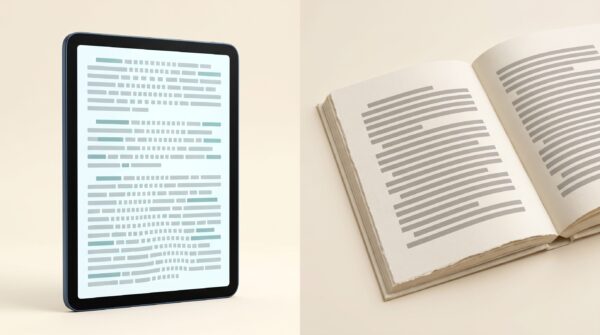
What’s the Difference Between Formatting an Ebook and a Paperback?
An ebook reflows to fit any screen while a paperback is locked to a fixed page. Here is what changes between the two formats...
Read more
Do You Need InDesign to Format Your Book?
You don't need InDesign for a text-only novel; Word works. InDesign earns its place on image-heavy books that need precise layout and print-file control.
Read more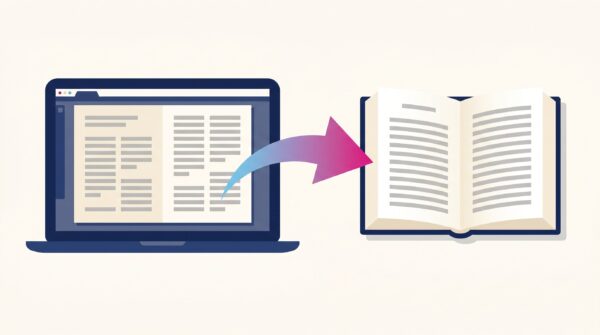
How to Export a Print-Ready Book PDF from Affinity Publisher
Affinity can export print-ready book PDFs, but the default settings will get your file rejected by most print-on-demand platforms. You need to choose the...
Read more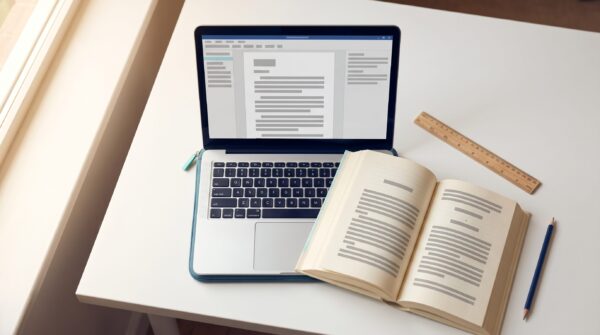
Can You Use Kindle Create to Format a Print Book?
Kindle Create handles basic print formatting for KDP paperbacks and hardcovers, but it does not let you change font size, line spacing, or margins,...
Read more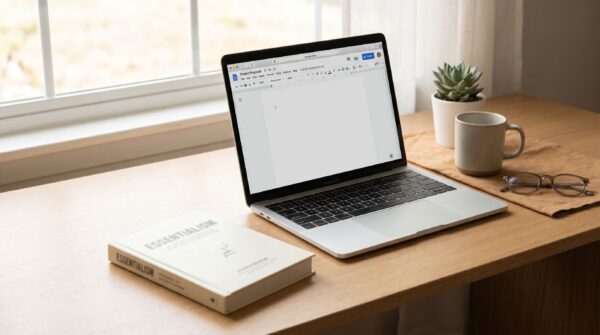
Can You Format a Book for Print Directly in Google Docs?
Google Docs works well for writing and editing your manuscript, but it cannot produce a print-ready interior file. Learn exactly where Google Docs falls...
Read more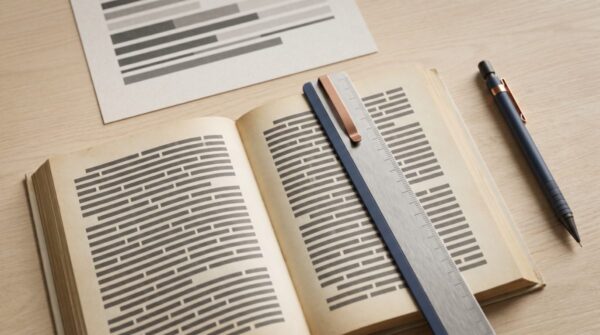
What Skills Do You Need to Format Your Own Book for Print?
The skills you need to format your own book for print depend almost entirely on your book’s complexity. A text-only novel requires little more...
Read more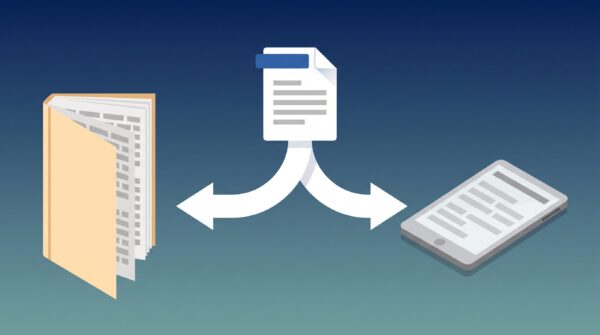
How to Produce Both a Paperback and Ebook from One Word File
A step-by-step guide to producing both a print-ready paperback PDF and a reflowable EPUB from a single Word manuscript, with platform specs and tool...
Read more
How to Embed Fonts in Your Book PDF So KDP Accepts Your Upload
Learn how to embed fonts in your book PDF for KDP, check embedding status in the free Acrobat Reader, fix licensing issues, and choose...
Read more
Why Your PDF Interior File Gets Rejected by KDP (And How to Fix It)
KDP rejects PDF interior files most often for trim size mismatch, margin violations, unembedded fonts, and low-resolution images. Here is what Print Previewer checks...
Read more