
How to Stop Microsoft Word Compressing Your Book’s Images
Word quietly reduces your images to 220 ppi by default; here are the exact Windows and Mac settings that stop it, and the PDF...
Read more
Why Text Inside Your Images Prints Blurry (and How to Fix It)
Images that contain text print blurry when they hold too few pixels for the page. Here is why it happens, and how your original...
Read more
How to Format Paragraphs in a Print Book: Indents and Alignment
How to format paragraphs in a print book: when to indent the first line, how deep the indent should be, and whether to justify...
Read more
How to Export a Print-Ready Book PDF from Affinity Publisher
Affinity can export print-ready book PDFs, but the default settings will get your file rejected by most print-on-demand platforms. You need to choose the...
Read more
Can You Use Kindle Create to Format a Print Book?
Kindle Create handles basic print formatting for KDP paperbacks and hardcovers, but it does not let you change font size, line spacing, or margins,...
Read more
How to Choose the Right Font for Your Self-Published Book
Choosing the right font for your self-published book interior comes down to five decisions made in sequence: pick serif or sans-serif based on your...
Read more
How to Format Footnotes and Endnotes That Work in Both Print and Ebook
Format your notes once, with the built-in footnote tool in whatever you write in, and let the ebook file carry links that run both...
Read more
What Happens When Your Manuscript Exceeds Print-on-Demand Page Limits?
Every print-on-demand platform enforces a maximum page count. Here are the exact limits for KDP, IngramSpark, and Draft2Digital, plus workarounds when your manuscript is...
Read more
Can You Format a Book for Print Directly in Google Docs?
Google Docs works well for writing and editing your manuscript, but it cannot produce a print-ready interior file. Learn exactly where Google Docs falls...
Read more
What Skills Do You Need to Format Your Own Book for Print?
The skills you need to format your own book for print depend almost entirely on your book’s complexity. A text-only novel requires little more...
Read more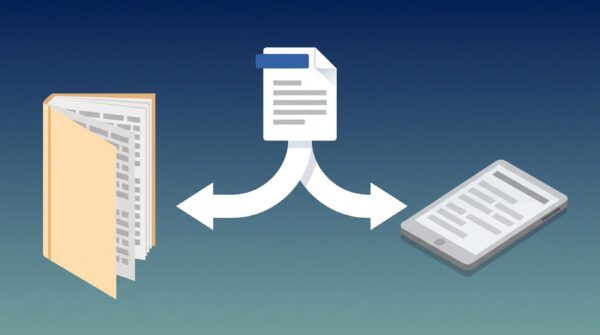
How to Produce Both a Paperback and Ebook from One Word File
A step-by-step guide to producing both a print-ready paperback PDF and a reflowable EPUB from a single Word manuscript, with platform specs and tool...
Read more
How to Lay Out a Nonfiction Book with Images for Print
Anchor images to paragraphs, use inline wrapping for PDF stability, format captions consistently, and compress to 300 DPI JPEG before inserting into your manuscript.
Read more